
A platform for your online school or learning center
Courses, video lessons, tests and homework, curators and UNT prep — under your brand and in a mobile app. No developers needed.
A platform schools trust
- 10+
- schools and learning centers
- 5 000+
- students learn on the platform
- 64 000+
- tests completed by students
- 48 000+
- assignments submitted
- 1.4M+
- answers to test questions
- NNN Online
- Tarih Mektebi
- Biosmed білім беру орталығы
- Dariga Biology
Everything you need for teaching.
Courses, tests, assignments and student progress — and more.
From sign-up to the first lesson in three steps.
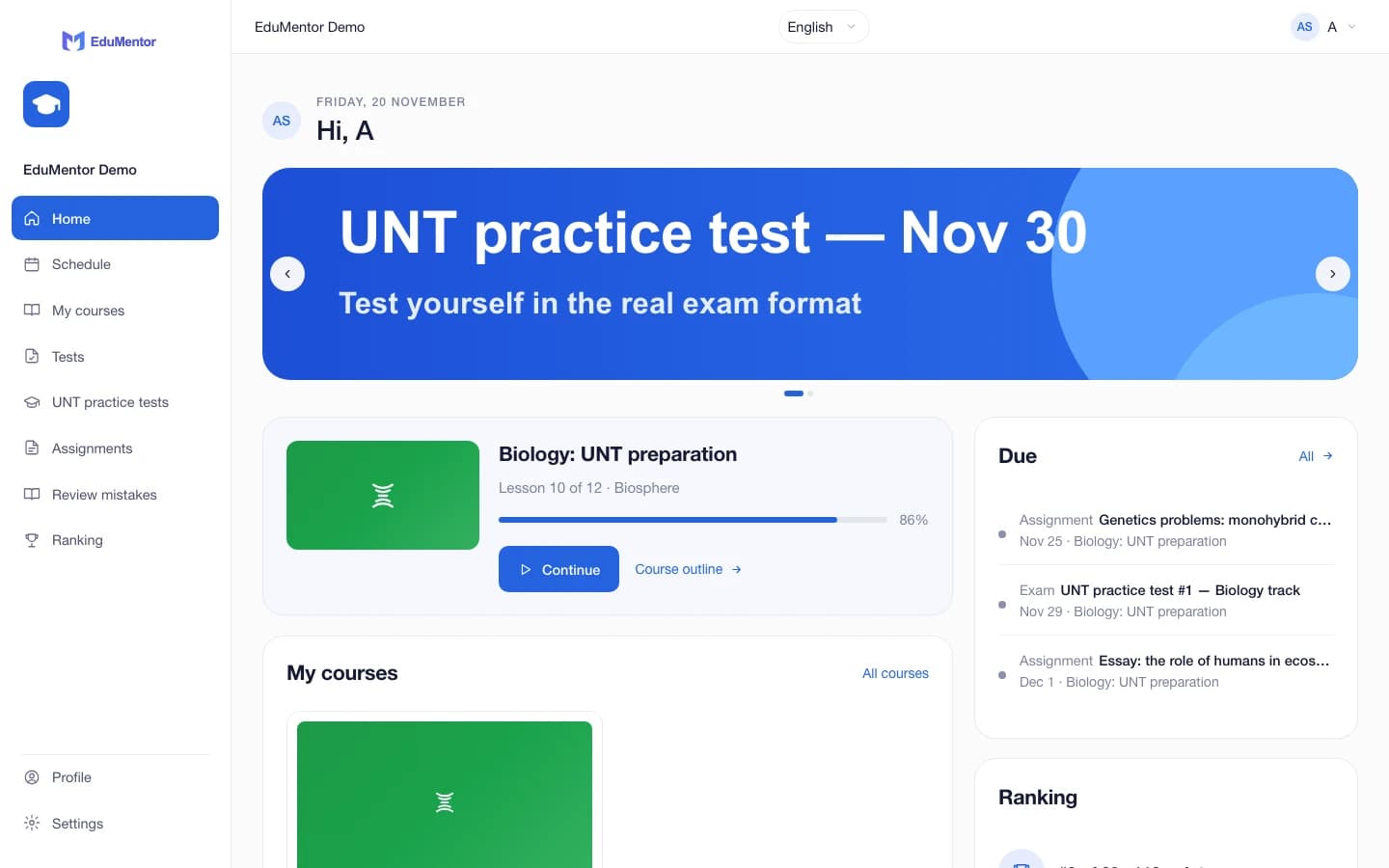
Create your school and set up its branding
Choose a color, fonts and a logo, and customize the login page. Your school lives at an edumentor.kz address or on your own domain.
Add courses and students
Build courses from lessons with video, text, files and tests. Import students from a list and give them access.
Teach and track progress
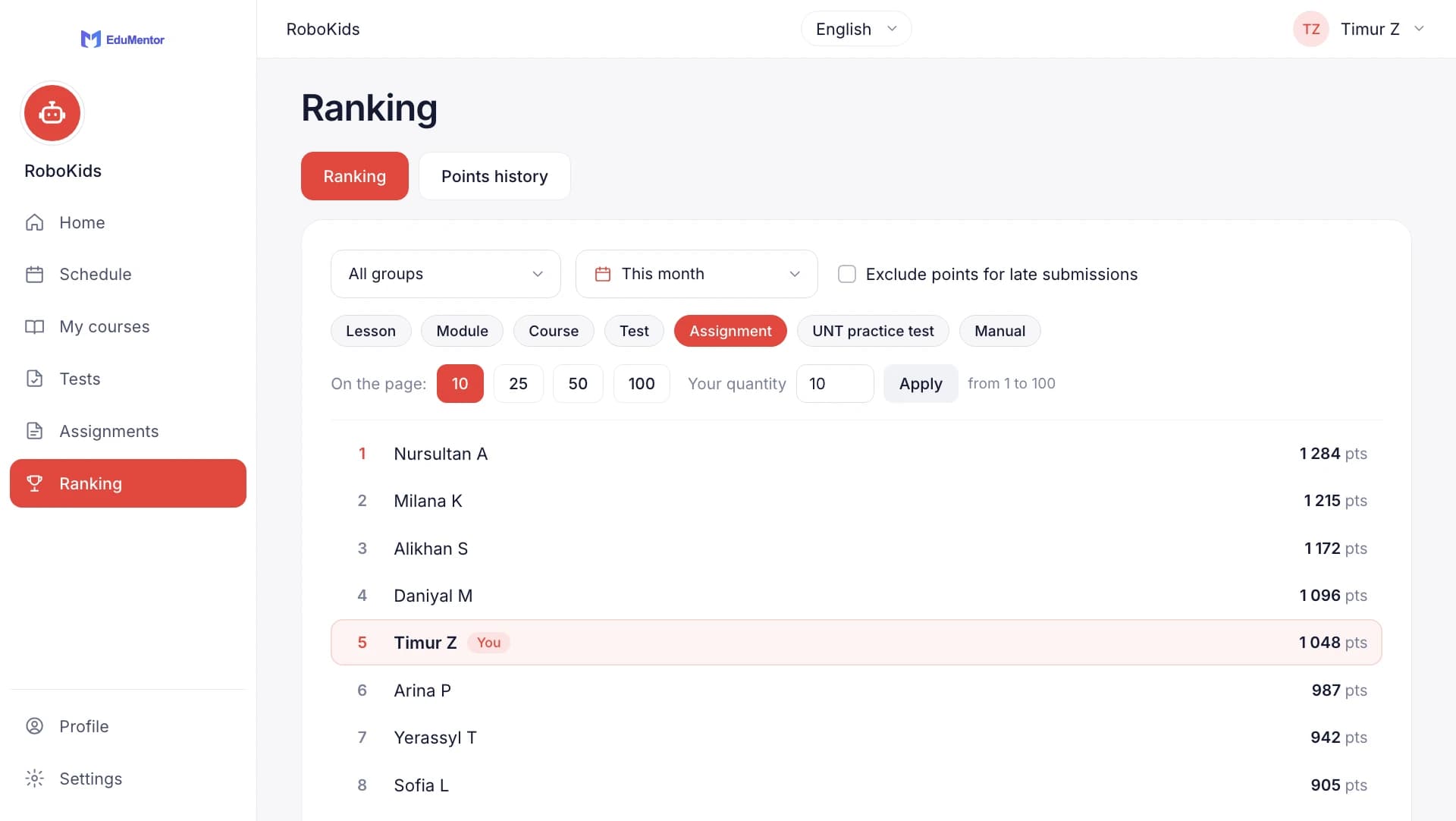
Students learn on the web and in the app, curators review assignments, and the leaderboard shows results.
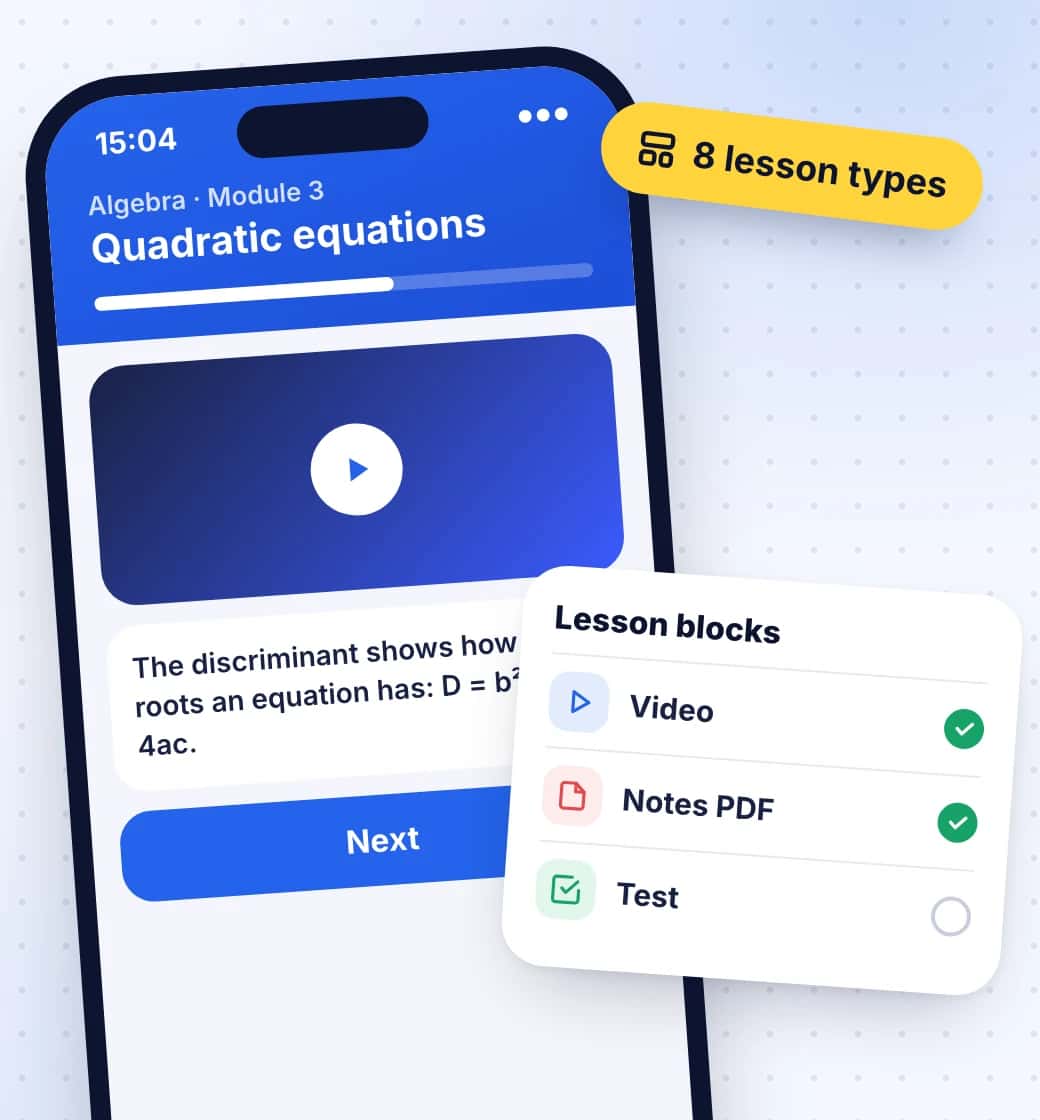
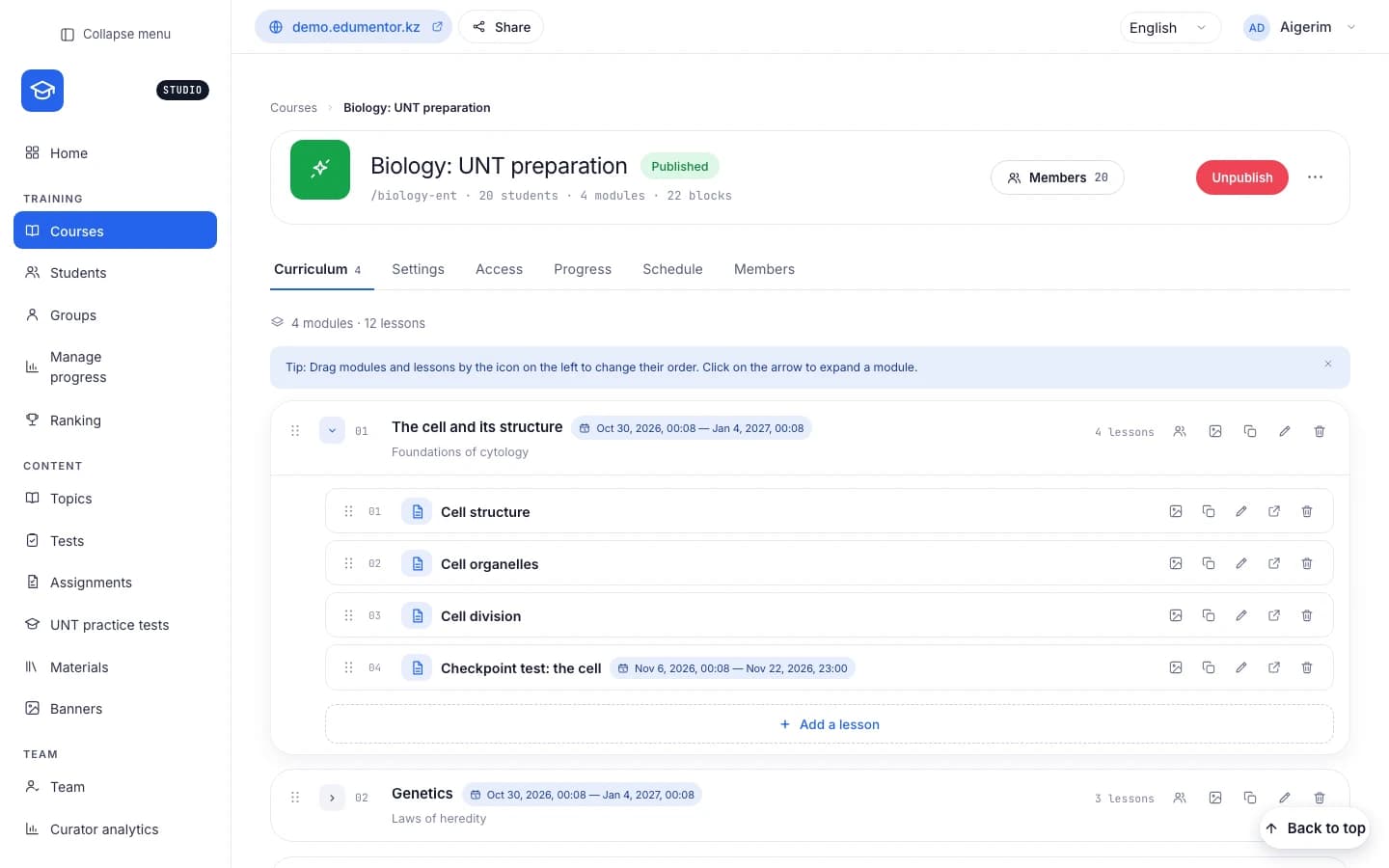
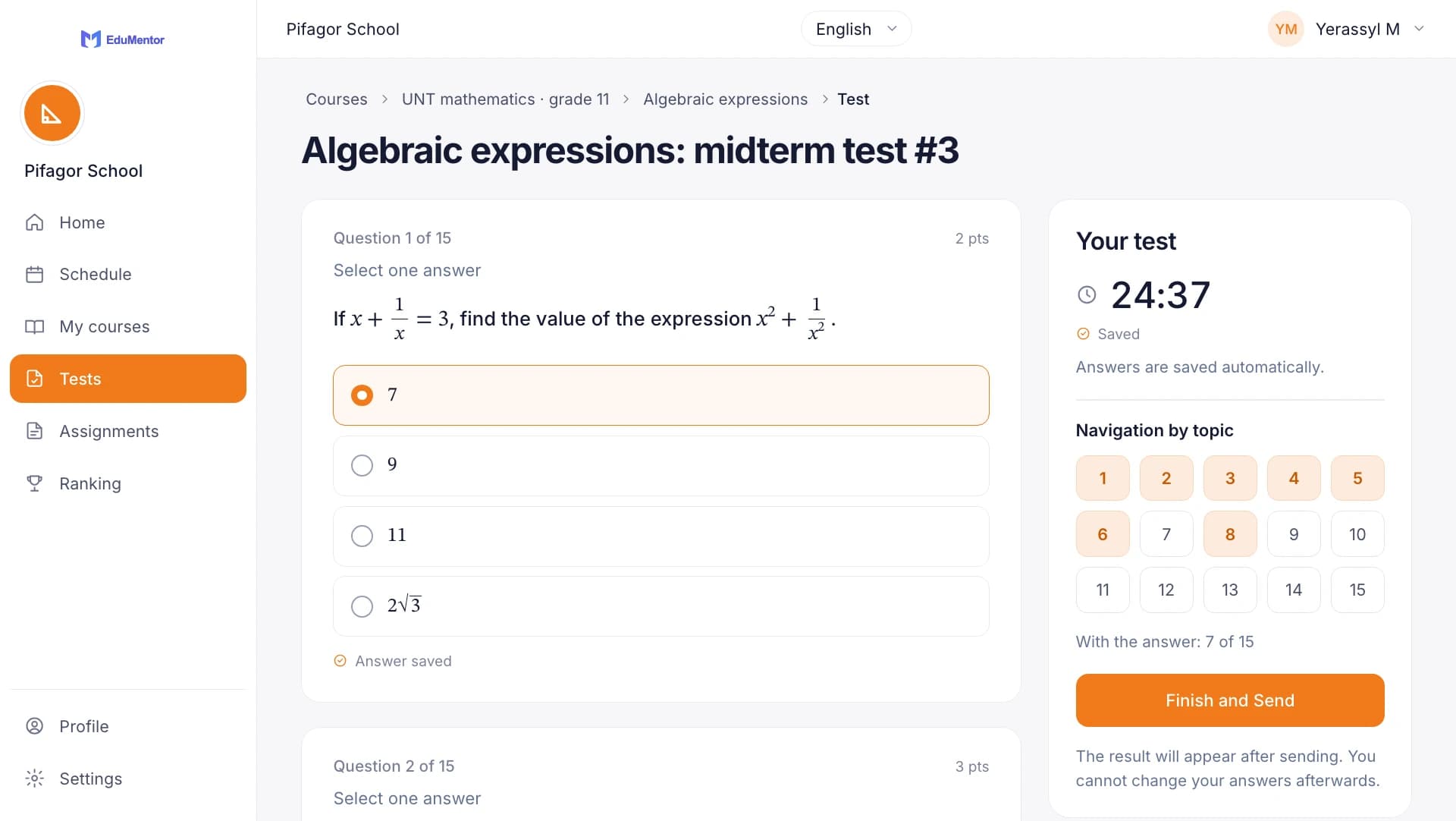
A course is built from clear blocks.
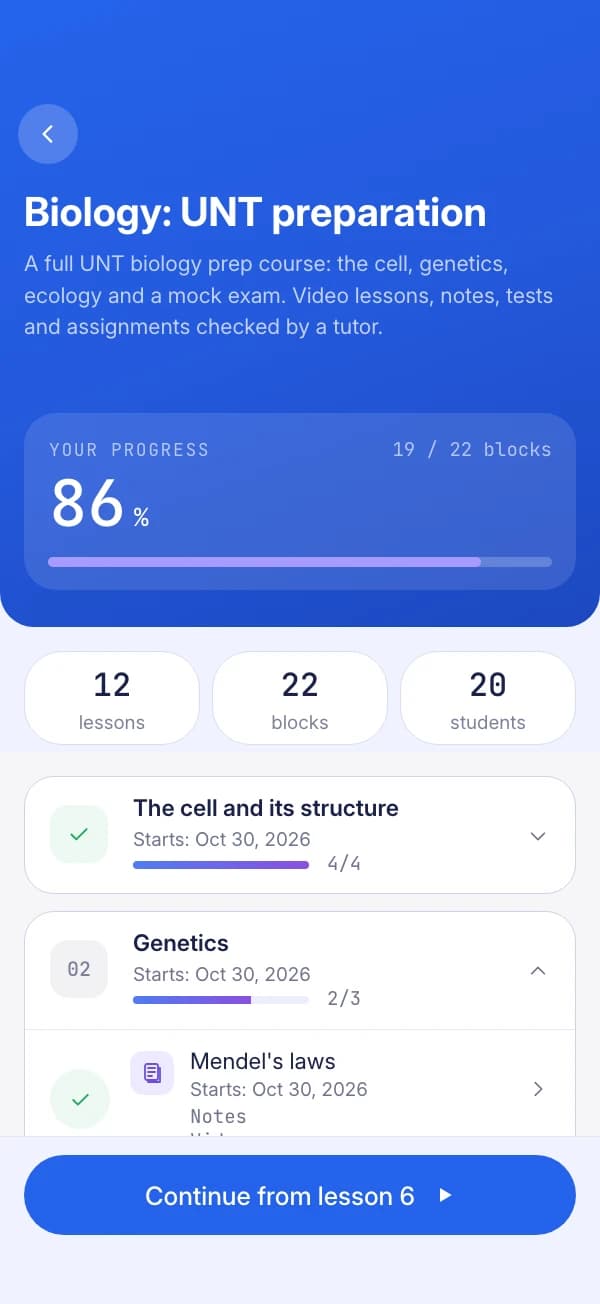
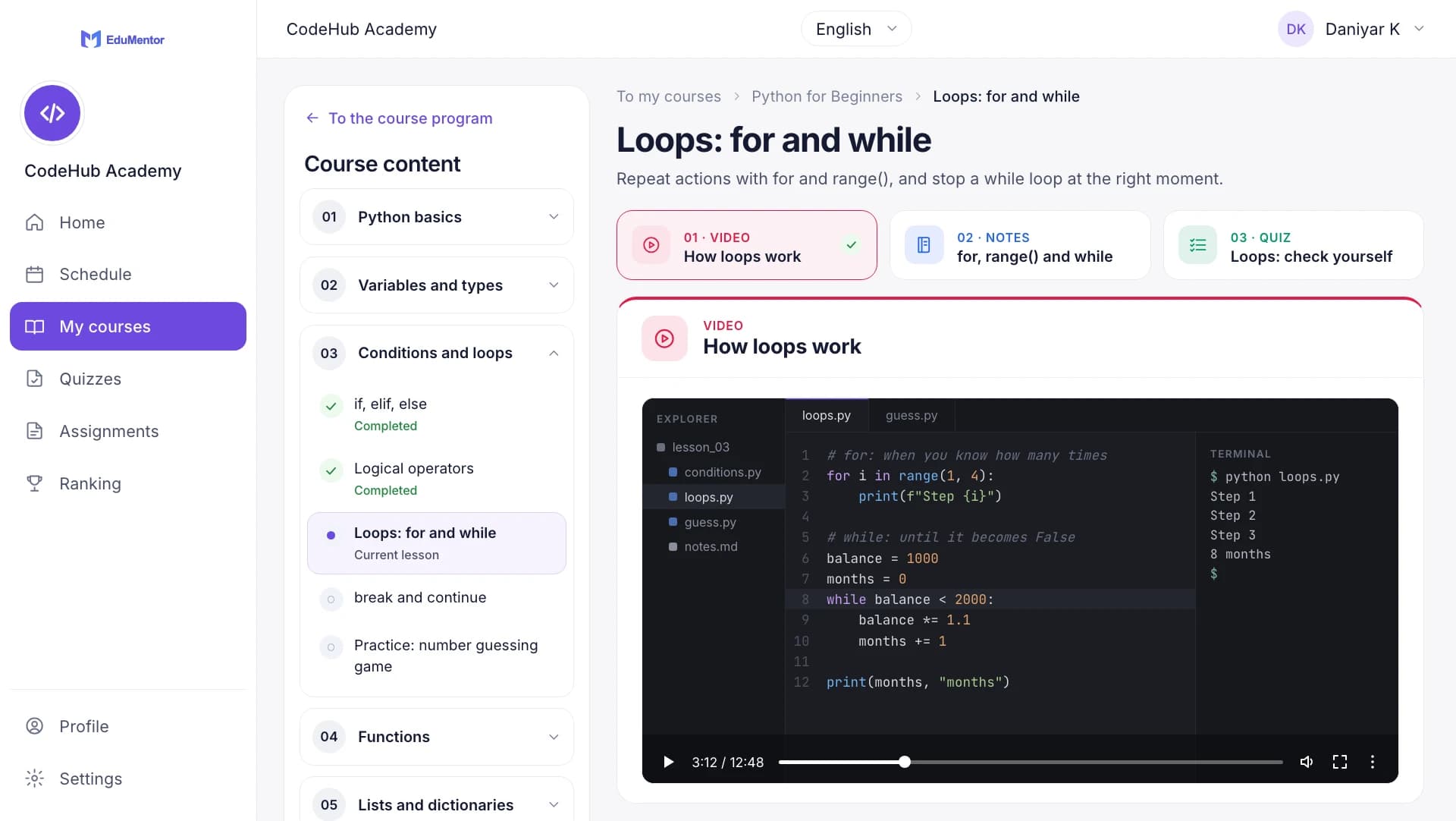
A course consists of modules and lessons, and a lesson consists of blocks. Build the program the way students will see it.
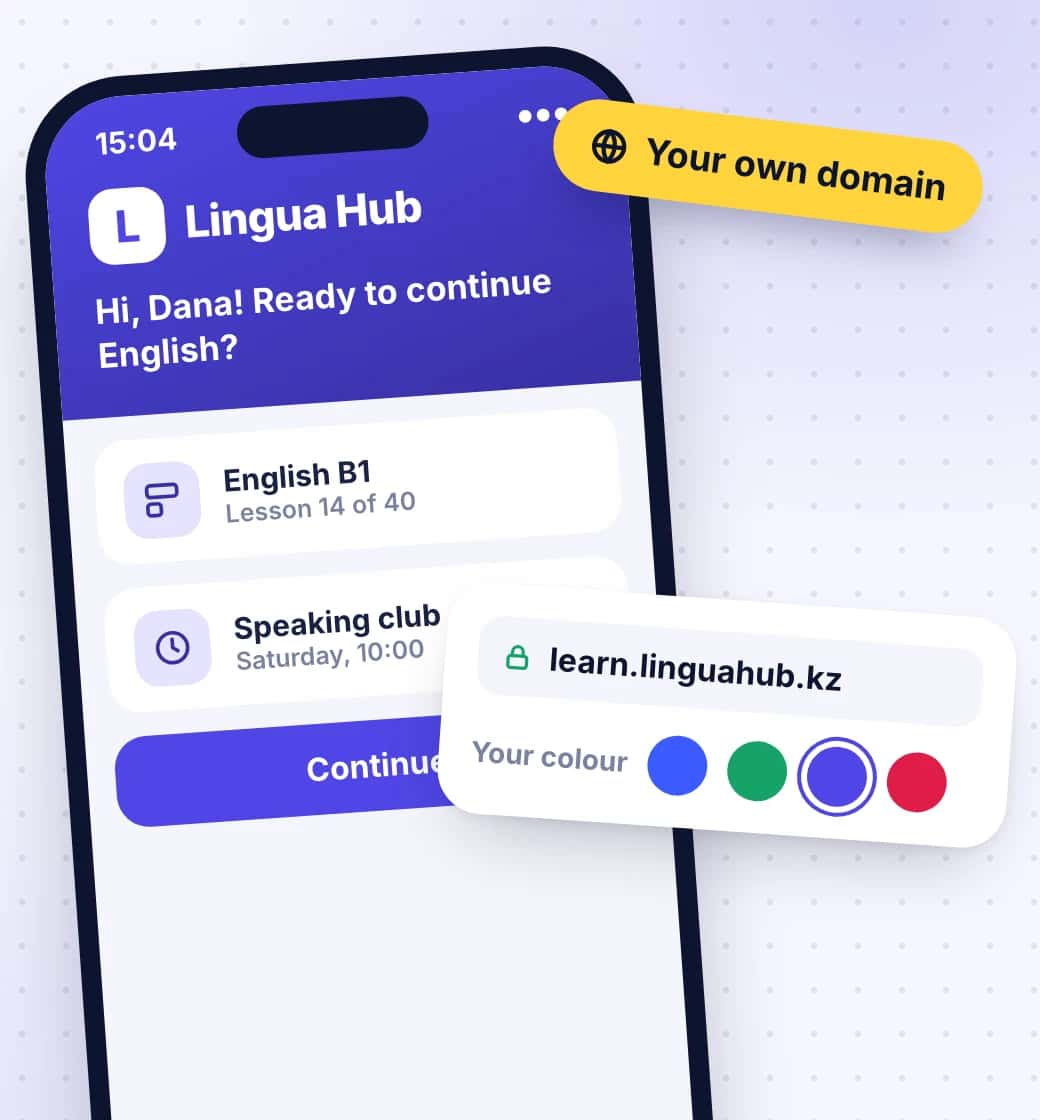
Your school looks the way you decide.
No templates. Choose your colors, fonts and logo, and customize the login page.
- Brand color and fonts
- Logo and login page
- Your school's address on edumentor.kz
- Your own domain, on request
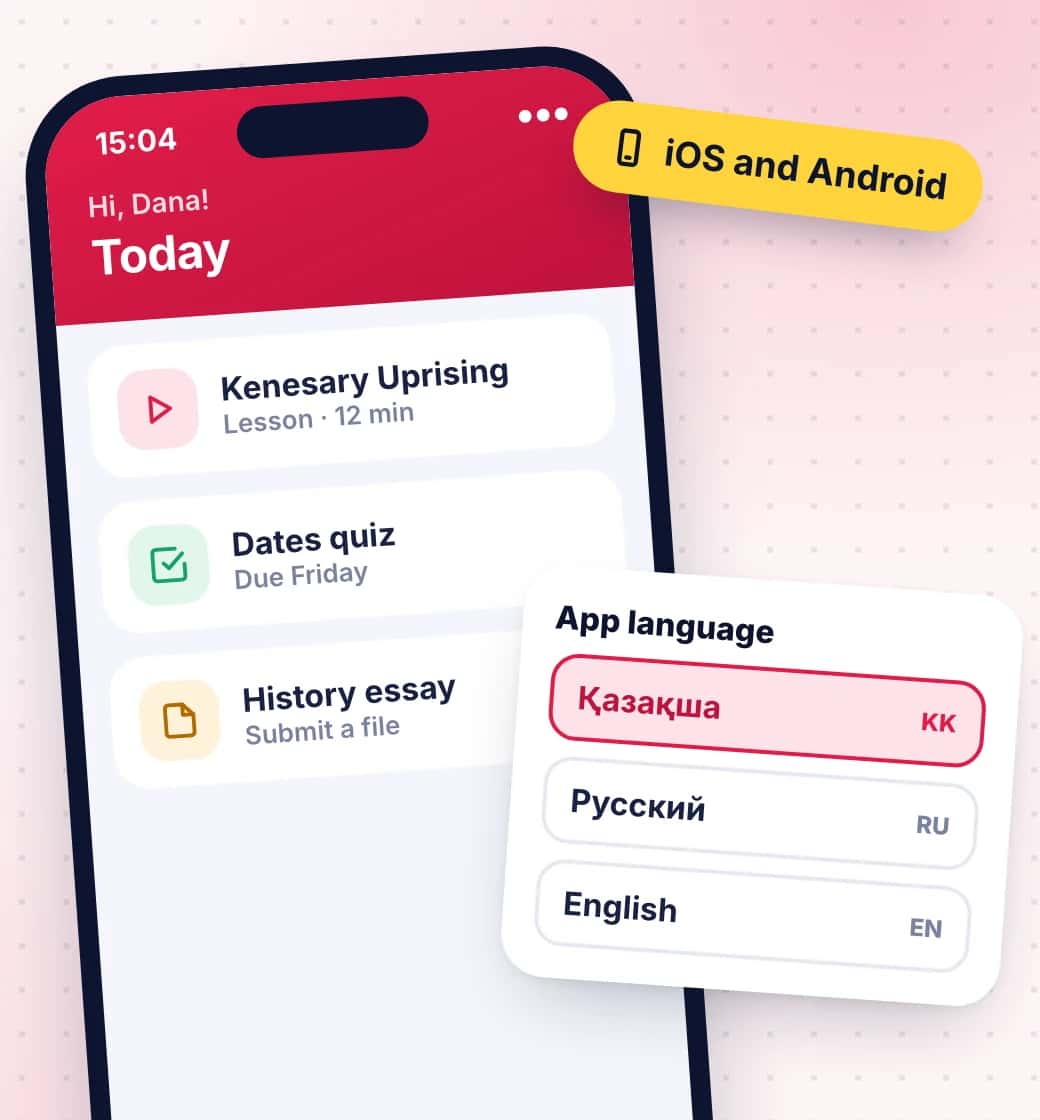
Teach from your phone
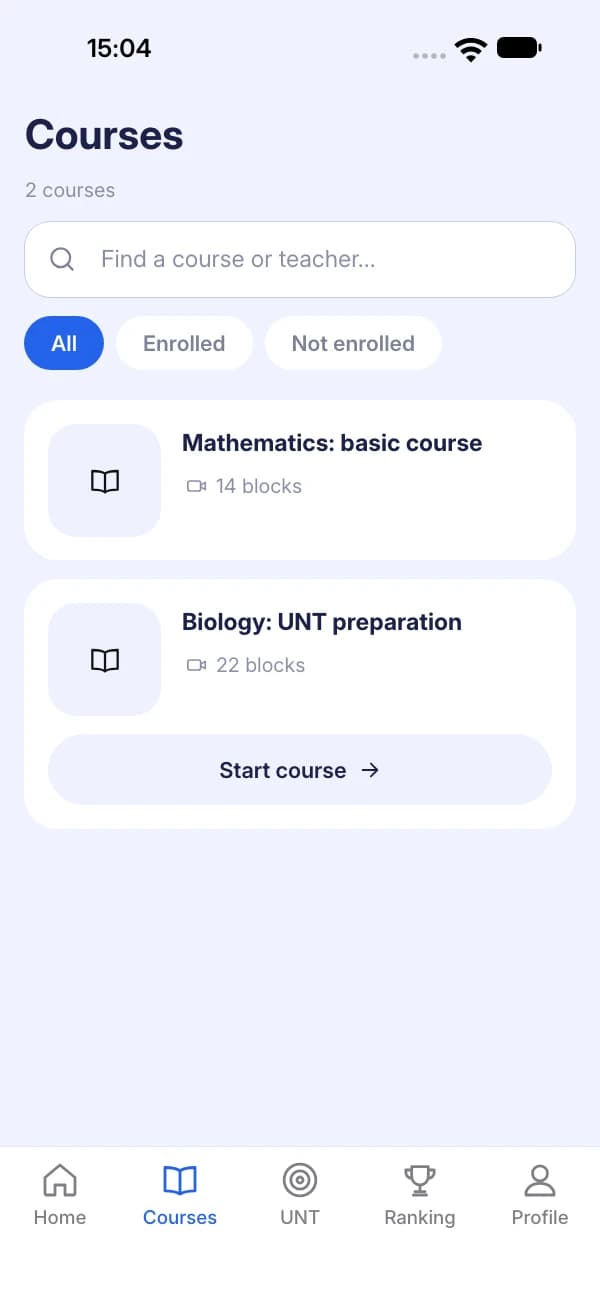
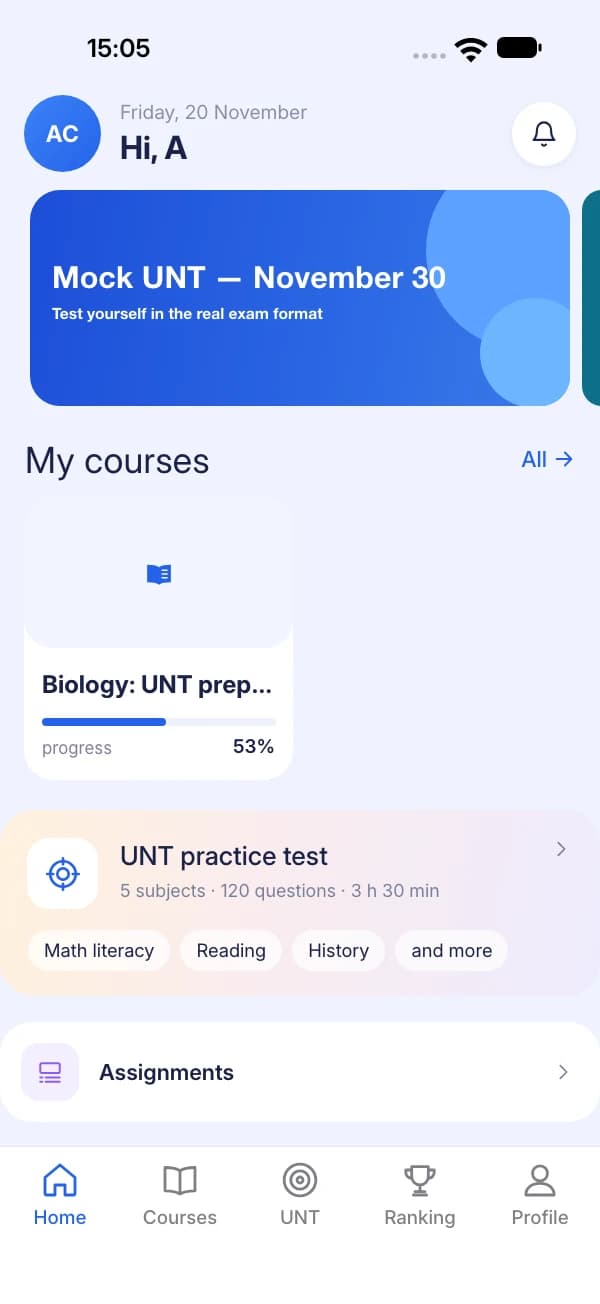
Students of any school on EduMentor download the EduMentor app and sign in to their school. Lessons, tests and assignments are always at hand.
Want your own app with your own name and icon?
Learn about your own app →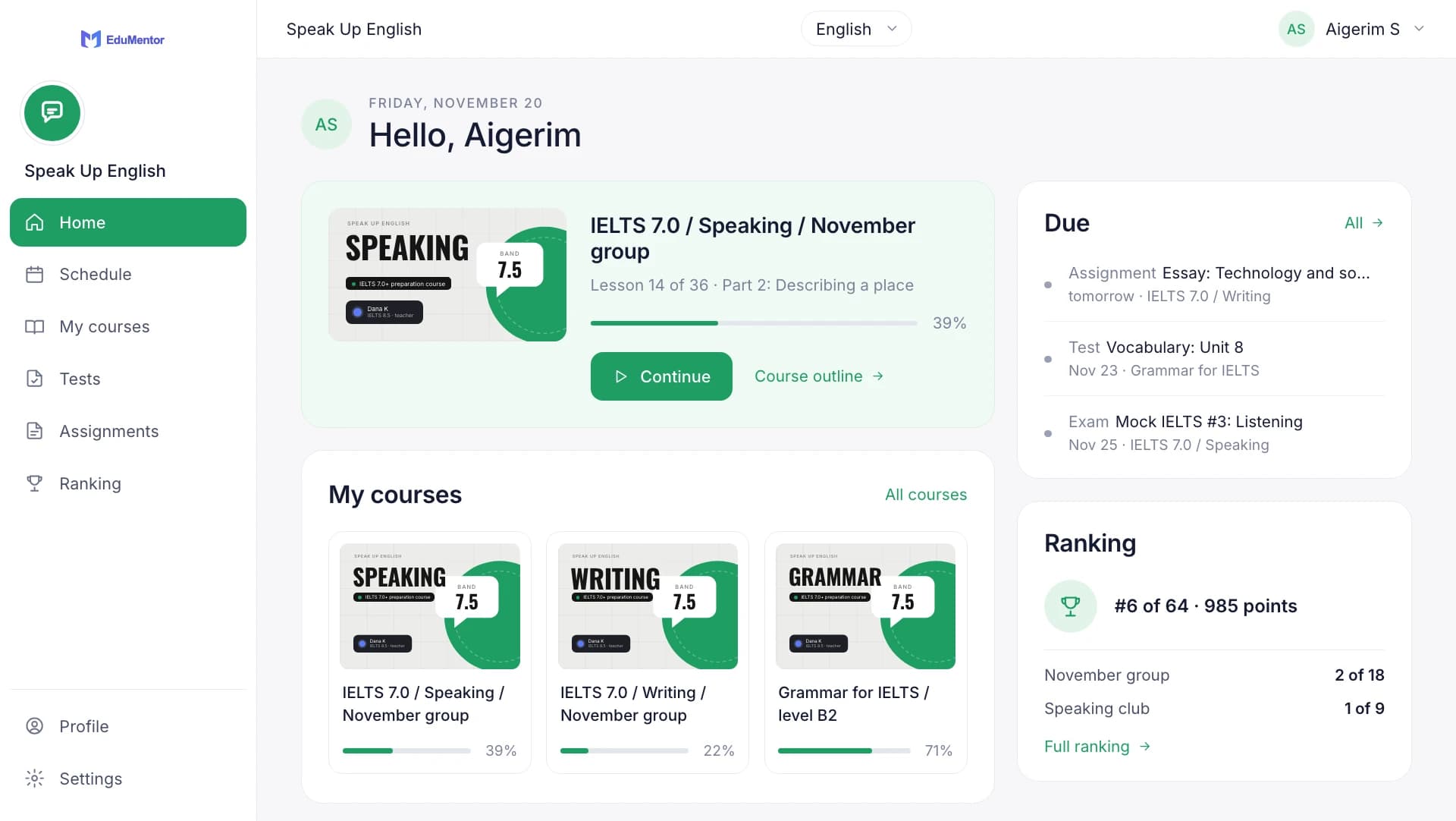
Pricing tailored to your needs
14 days free, all features included.
Loading plans…
All plans include all features and the EduMentor mobile app
Your own app and domain for your school
A separate school app in the App Store and Google Play with your own name and icon. Terms are agreed individually.
Interested? Contact us →- ✓Your own domain
- ✓Your own app: name and icon
- ✓We guide you from creating the app to publishing it
- ✓About 2 weeks to build your app
Frequently asked questions
What is an LMS and do I need one?
An LMS (learning management system) is a platform for teaching: it brings together courses, tests, assignments, groups and analytics. EduMentor is exactly that kind of platform. You need one if you teach online and want your materials, submission review and student progress in one account instead of scattered across chats and spreadsheets.
How do I create an online school?
Register your school: 14 days free, no card required. Choose your logo, colors and fonts and customize the login page, build courses from lessons with video, text, files and tests, then import students from a list or enable self-registration. Your school opens right away at its own address on edumentor.kz.
How is EduMentor different from Google Classroom or Zoom?
They are different tools: Zoom is for video calls, and Google Classroom is a general-purpose service for classes. EduMentor is a platform built specifically for online schools: courses made of lessons, tests and assignments with review, UNT practice exams, a leaderboard, curators and analytics, plus your own brand and app. You can add a class recording to a lesson as a YouTube or Kinescope video, or as a file.
How do I switch from GetCourse to EduMentor?
EduMentor is a GetCourse alternative, just better tailored to schools in Kazakhstan: pricing in tenge, a Kazakh interface, UNT practice exams, curators and a mobile app. Switching is easy: register your school, import your students from a list and rebuild your courses from lessons — video connects by a YouTube or Kinescope link. Try it free for 14 days, no card needed.
Is the platform suitable for a tutor?
Yes. A tutor builds their own materials, tests and assignments, reviews submissions and tracks student progress in one place. You can start with 14 days free, and the Start plan includes up to 500 students and 5 staff members.
Can I prepare students for the UNT (ҰБТ)?
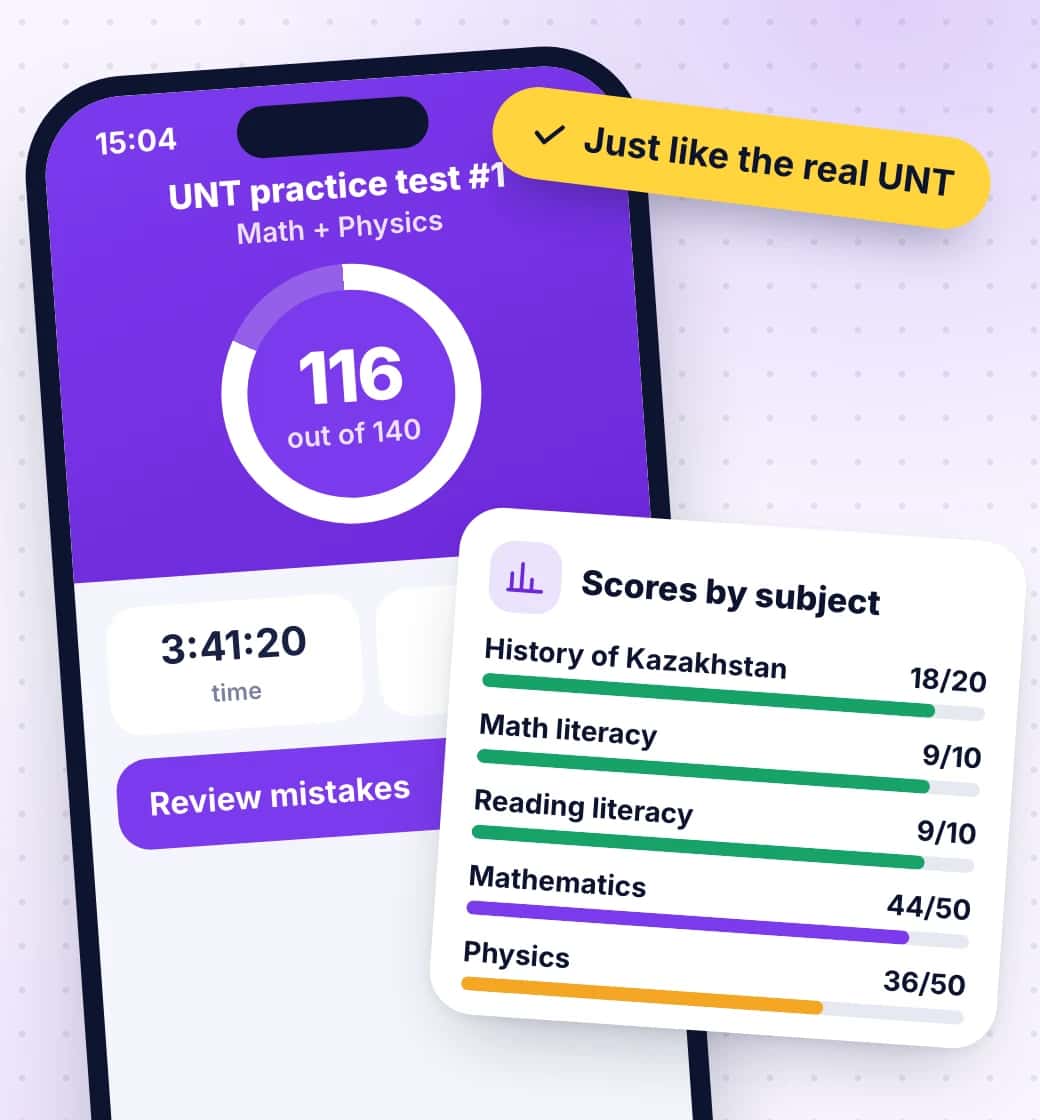
Yes. The platform has UNT (ҰБТ) practice exams, tests with answer review, mistake review and a student leaderboard. Offer students a UNT practice exam; you can turn it on or hide it in the school settings.
Is there a free trial?
Yes, 14 days free, with all platform features available during the trial.
How much does the platform cost?
Three plans: Start is 30,000 ₸, Amateur is 50,000 ₸ and School is 100,000 ₸ per 30 days. Every plan includes all platform features; plans differ in limits on students, staff and file storage.
Do I need a card for the trial?
No. The 14-day trial starts automatically when your school is registered, and no payment details are requested.
Which features are unavailable during the trial?
There are no feature restrictions: every platform feature is available during the trial.
Do I pay extra if I have more students than my plan allows?
There are no extra charges for students: every plan has its own student limit, and as the school grows you can move to a higher plan. Existing accounts are never deleted or blocked.
How much file storage do the plans include, and how large can a video be?
File storage: Start — 20 GB, Amateur — 25 GB, School — 60 GB. A video file can be up to 500 MB, and videos added by YouTube or Kinescope link do not use storage.
What happens if I don't renew the subscription?
The school is suspended: students and curators lose access, while the administrator can see the subscription details and renew it. Data is not deleted automatically; work resumes after renewal.
How many students and staff can each plan hold?
Start — up to 500 students and 5 staff, Amateur — up to 1000 students and 20 staff, School — unlimited students and staff.
What video can I add to lessons?
Video from any source: YouTube, Kinescope or a file uploaded from your device.
Can lessons open on a schedule or in sequence?
Both, and they can be combined. Date-based access is set for a course, module or lesson, including separately for each group. A lesson can also open only after another chosen lesson is completed, or you can enable sequential progress through the course.
Can one student be in several groups and courses?
Yes. A student can belong to several groups and be enrolled in several courses. You can assign a course to a whole group or enroll a student directly, and access is tracked per source: removing someone from one group does not take away access that comes from another group or a direct enrollment.
What materials can I add to a lesson?
A lesson is built from blocks: video (YouTube, Kinescope or a file from your device), formatted text with formulas, PDF and PPTX presentations, tests, homework, UNT exams and an external web page. Blocks can be reordered.
Can I add my own web page inside a lesson?
Yes. Paste an https link to a page, such as a virtual lab or a simulator, and set a title and block height. On the web the page opens right in the lesson, and in the mobile app it opens in a built-in window.
Can students view a PDF right inside a lesson?
Yes. A PDF opens in a built-in viewer inside the lesson, so students don't need to download the file. For files in the Materials section you can hide the download button.
Can I copy a course, module or lesson?
Yes. A course, module or lesson is copied as a whole, including tests, assignments, schedule, groups, opening conditions and covers, and you choose what to copy and what to skip. A lesson can be copied into another module and a module into another course.
Can I show banners and announcements to students?
Yes. You can enable a banner carousel on the student home page (web and app): image, title, a link to a platform section or an external site, display period and order.
Is there a mobile app?
Yes, the EduMentor app for iOS and Android is in the App Store and Google Play. Students sign in to their own school in it. It is included in every plan.
Can I connect my own domain and have my own app?
Every school opens at its own address on edumentor.kz. A custom domain and a separate app with its own name and icon are available on request: contact us and we will guide you through every step.
How do I set my school's logo, colors and fonts?
In the school settings, the administrator uploads a logo, picks the main color and sets fonts separately for headings, body text and interface elements.
Can I customize the login page and the site footer?
Yes. For the login page you can set the layout, title, tagline and logo height. In the footer you can add a school description, email, phone, links to Instagram, Telegram, WhatsApp, YouTube, TikTok, Facebook and VK, and up to 6 custom links.
Can I remove the EduMentor name?
A school can have white-label mode enabled; a platform administrator turns it on on request. Your school's brand is then shown in the header, on the login page, and in the site name and icon.
What notifications do students receive, and through which channels?
Push notifications in the app and notifications on the site: course enrollment, a lesson opening, deadline reminders, a login from a new device and more. Students can turn notification categories on and off themselves. Email is sent for email confirmation and password reset.
Can I add the school site to a phone's home screen?
Yes. Every school has its own web manifest with its name, icon and color, so the site can be added to a phone's home screen as a shortcut. Students can also sign in to their school in the EduMentor app from the App Store and Google Play.
Can I protect materials and exams from screenshots?
Yes. Screenshot protection is turned on in the school settings, and it can also be set separately for exams and materials.
Who can use the platform?
School admins, curators and students. Curator permissions are set per action, and a curator can see only their own groups.
Can I move students over from another system?
Yes, students can be imported. Students can also self-register by confirming their email address.
What can a curator do, and do they see every student?
A curator is a school staff member with configurable rights: courses, students, groups, analytics, UNT, notifications, leaderboard and materials. For courses, tests and assignments rights are set per action (create, edit, delete, publish, assign). Without the right to manage groups, a curator sees only their own students — those in their groups or assigned to them.
Can I limit a student's login to a certain number of devices?
Yes. The school sets a limit of active devices (2 by default). In enforcement mode a login on an extra device is blocked until the student removes an old one or an administrator grants an exception, and a notification is sent about a login from a new device.
Is there a leaderboard and points for activity?
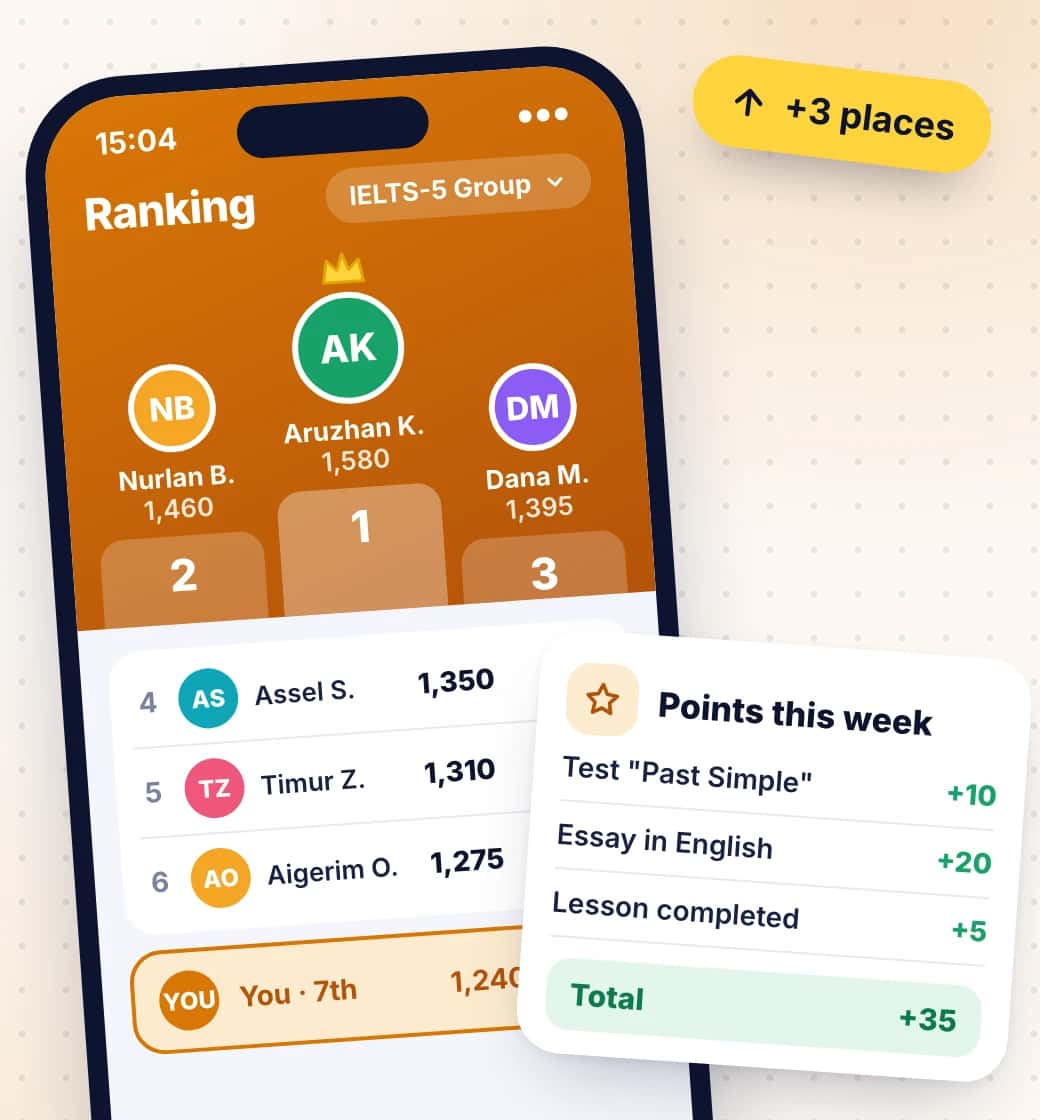
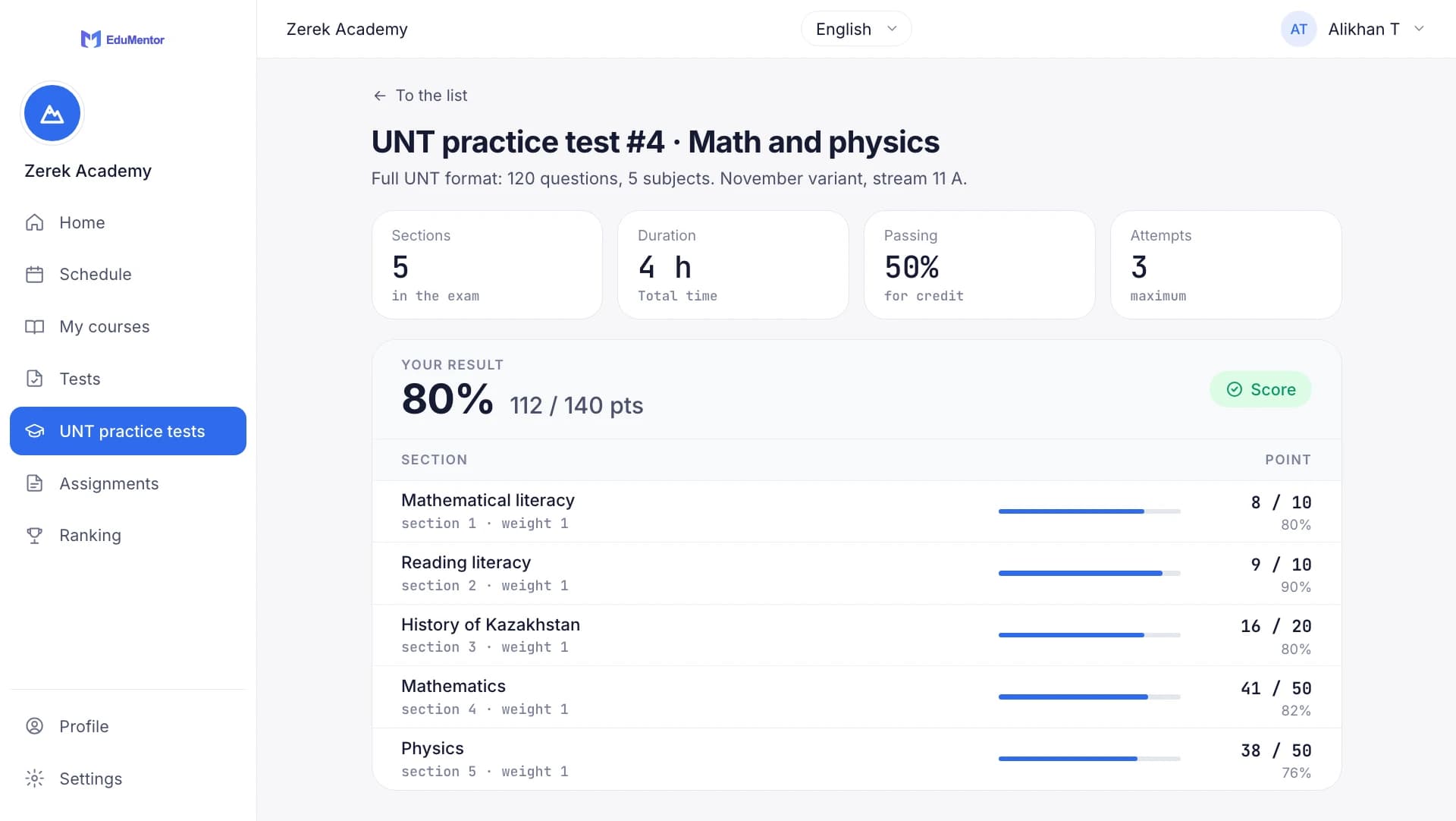
Yes. The school sets point rules (tests, assignments and other sources), students see a leaderboard with filters, and points can be adjusted manually. The leaderboard exports to Excel.
What does a student see in their account?
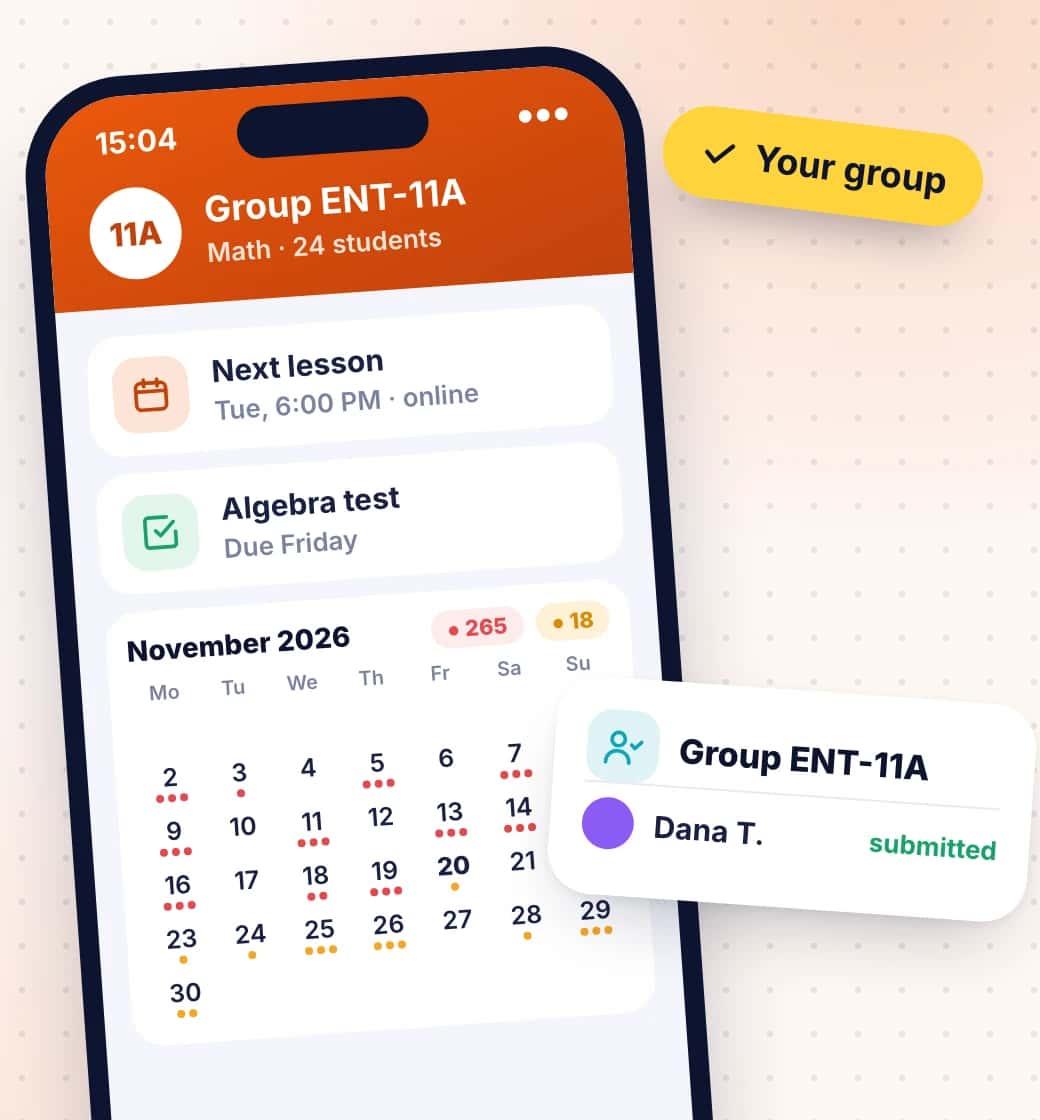
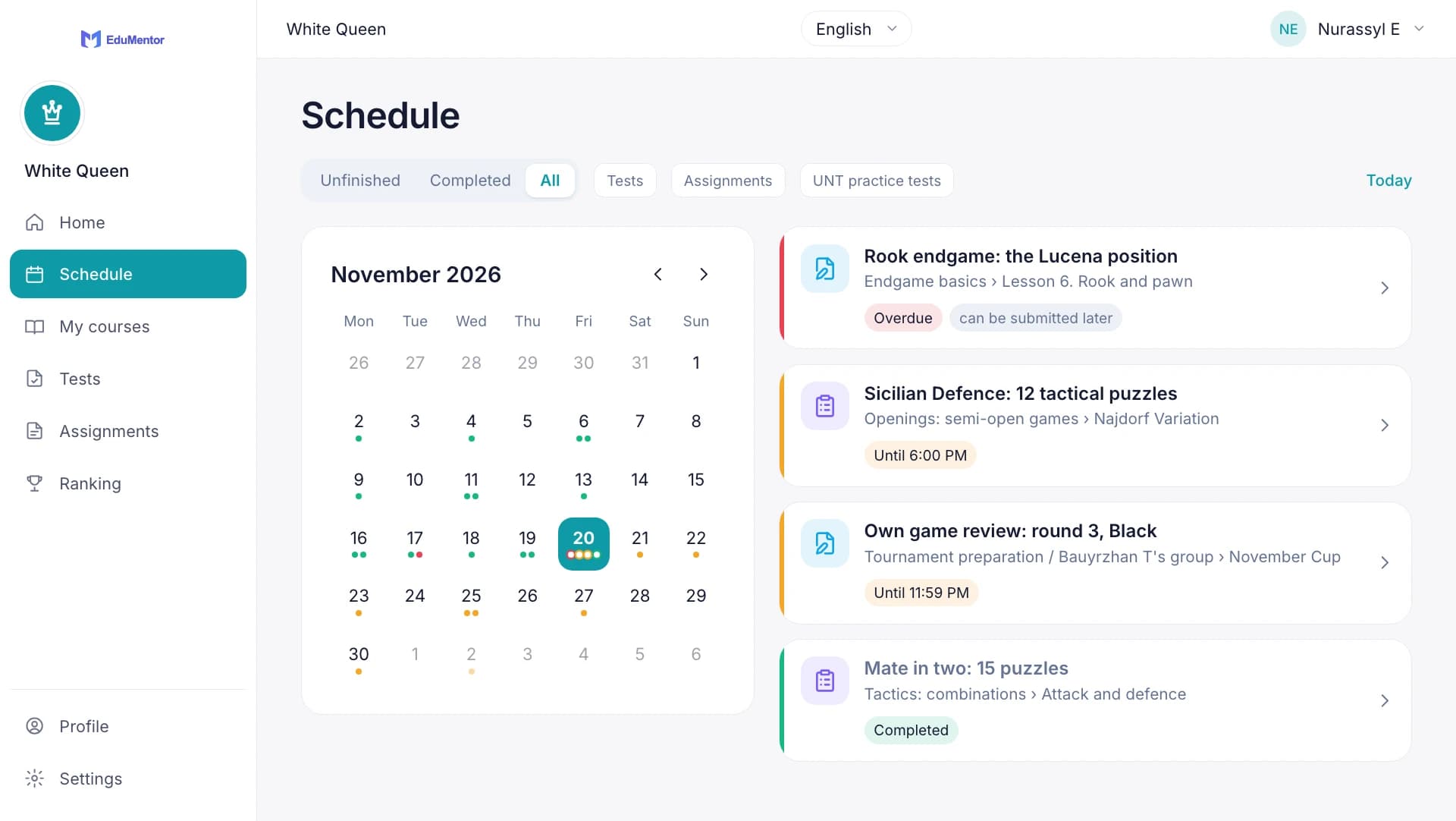
Their courses with a progress indicator and a continue button, a deadline calendar for tests, assignments and exams, the leaderboard, mistake review, school banners and notifications. The school turns the calendar, materials and other sections on in the menu as it prefers.
What data can I collect when students register?
Registration fields are configured per school: phone, city and grade can be turned off, optional or required, and the school maintains its own lists of cities, subjects and grades.
What curator analytics will I see?
For each curator a monthly completion rate is calculated: tests, assignments and mock UNT exams due in the selected month, and the target is met at 80% or more. You can filter by curator, group, course, module and lesson.
Can I restore something I deleted by accident?
Yes, the admin menu has a school trash. From it you can restore students, team members, courses, modules, lessons, groups, tests, assignments, exams, learning paths and files, or delete them permanently after confirmation.
Are video lessons protected from downloading?
Yes. For uploaded files the download button and context menu are disabled, YouTube is embedded in an isolated frame, and downloads can be forbidden for files in the Materials section.
How quickly can I launch a school, and will the team help?
The school opens right away at its own address on edumentor.kz, and the first 14 days are free with all features. The team helps with connecting your own domain and a separate app: contact us and we will guide you through every step. You can reach us on Telegram, WhatsApp or by email.
How do I contact support?
Contact us on Telegram, WhatsApp or by email: contact details are on every school's Contacts page. We reply on business days; Telegram is the fastest.
How are student accounts protected?
Passwords are stored as hashes, sessions are protected by short-lived tokens and connections use HTTPS. The device limit and new-device login alerts help you notice someone else's access in time.
Which staff members can see student data?
Student data is visible to administrators and to curators who have the right to manage students. A curator without the right to manage groups sees only their own students — those in their groups or assigned to them.
How can a student reset a password or delete their account?
A password is reset with a code sent by email. An account can be deleted on each school's public account deletion page, and data is deleted within 30 days.
Can other schools see my school's data?
No. Every school has its own isolated space on the platform: its own students, courses, files, roles and appearance settings.
What question types do tests support?
Four types: single correct answer, multiple correct answers, free-text answer and matching. You can change the type of an existing question.
Can I limit time and number of attempts?
Yes. A test has a time limit (10 seconds to 24 hours) and an attempt limit (1 to 1000); an empty value means no limit. In exams the time limit is required and attempts are optional, and assignments have an attempt limit too.
How are tests and homework graded?
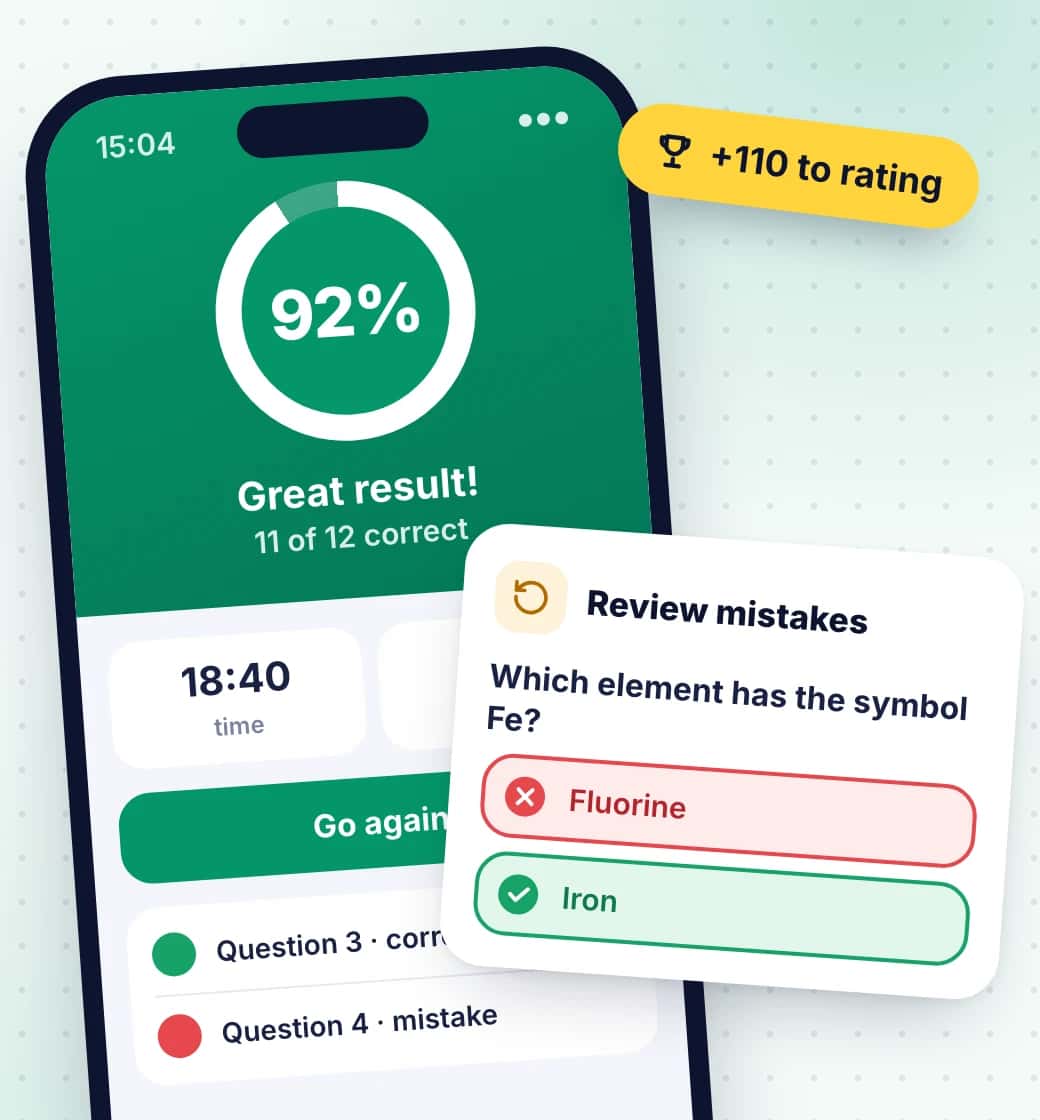
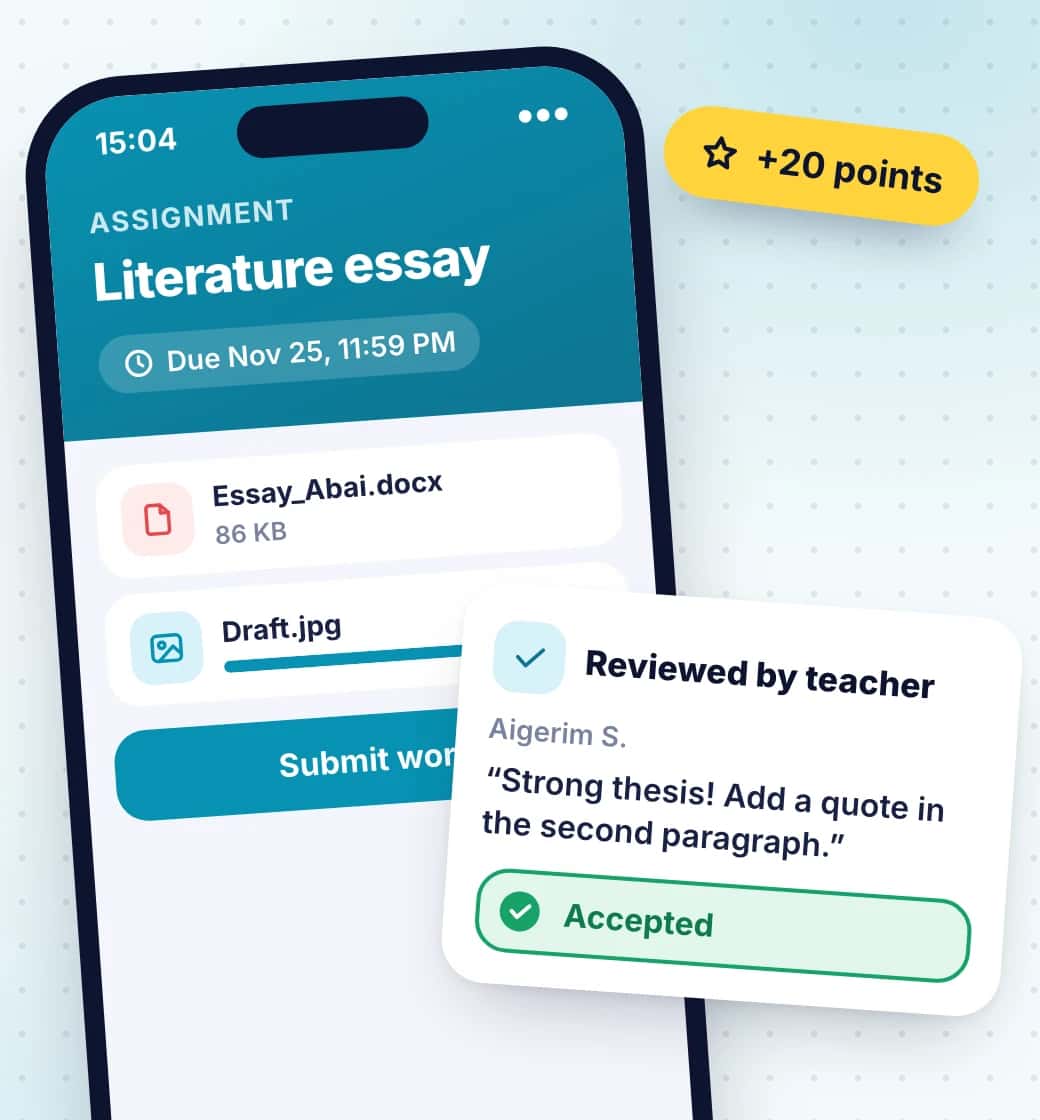
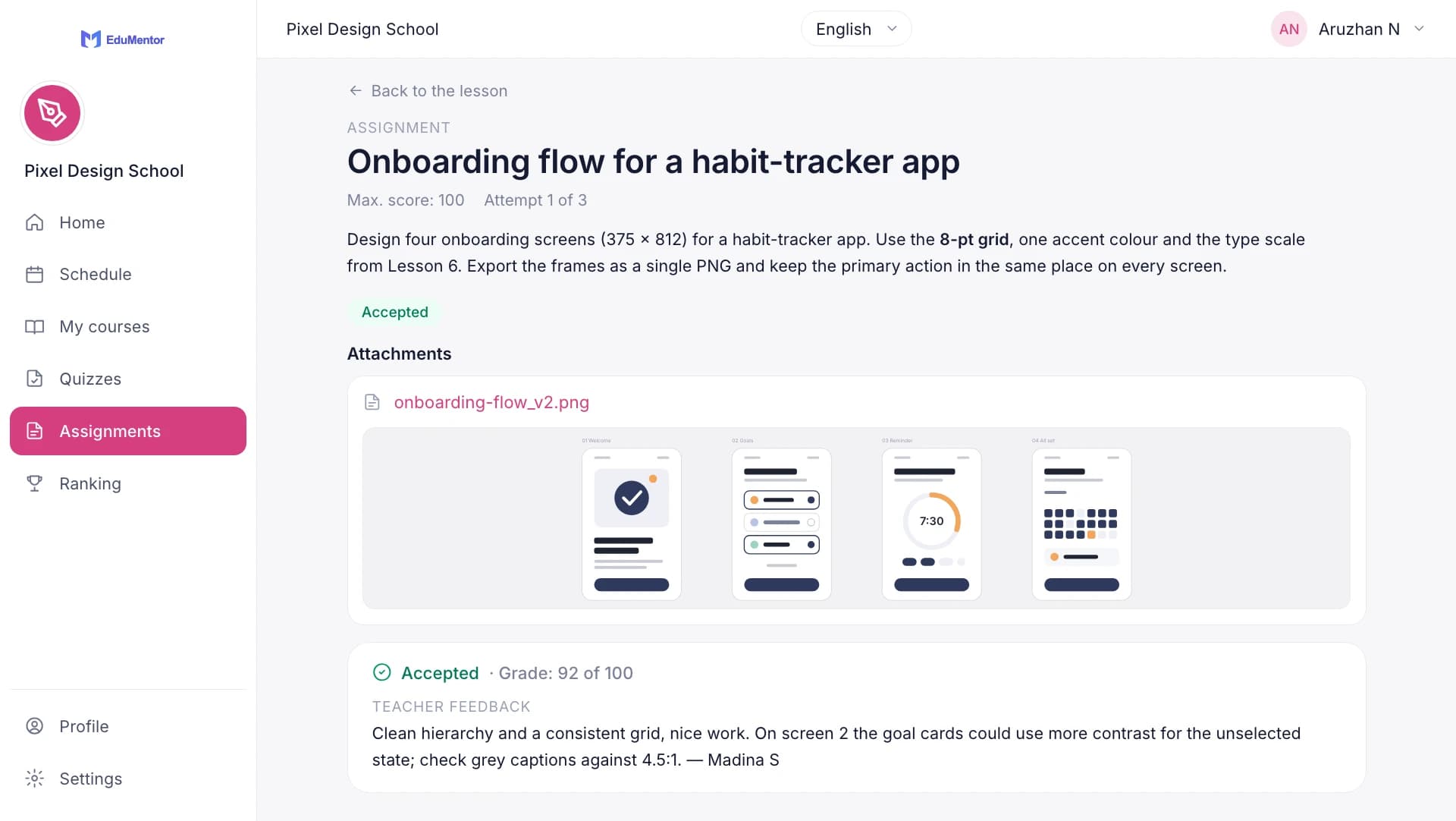
Single-answer, multiple-answer and matching questions are graded automatically; free-text answers are graded by a teacher manually. Homework is reviewed by a teacher, and each submission is marked accepted or not accepted.
Can a student attach a file or photo to homework?
Yes, files can be attached to a submission, and the teacher can attach files to the assignment itself. The file type is checked on upload.
Can I leave comments and grade a submission?
Yes. The teacher gives a numeric score (the maximum is set in the assignment, 100 by default) and writes a text review. The student is notified about the review, and a submission can be sent back for rework without a score.
Can students retake work and review their mistakes?
Yes. All attempts are saved and their number is set by a setting. Tests, assignments and exams can have a mistake-review step with a trigger condition and materials, and students have a separate section for it.
What analytics will I see, and can I export it to Excel?
For a test you see attempts and submissions, average, minimum and maximum score, pass rate, score distribution and per-question success; assignments and exams have similar analytics. The leaderboard exports to Excel, test questions export to Excel, and a course's student list exports to CSV.
Can I shuffle questions and protect an exam from cheating?
Yes. A test can shuffle its questions, in matching questions the right column is always shuffled, and exams and schools have a screenshot-protection setting.
Can't find an answer?
Message us on a messenger — we'll answer any question about the platform.
Contact us →For everyone who teaches online.
EduMentor is built for distance learning: schools, centers, tutors and anyone preparing students for exams.
Online school
Courses, tests, assignments and a student leaderboard on one platform, under your brand and at your own address.
Learning center
Groups, schedules, curators with customizable permissions and learning paths for several programs at once.
Tutor
Your own materials, tests and assignments for students, submission review and student progress in one place.
Exam-prep center
UNT practice exams, tests with answer review and mistake review, and a student leaderboard.
Launch your online school on EduMentor.
14 days free, all features included.